Creating a comfortable and productive home office is essential for working efficiently and maintaining a healthy work-life balance. Whether you’re new to remote work or looking to upgrade your existing setup, this guide provides practical tips to help you design a workspace that supports focus and well-being.
Choose the Right Location
Selecting the right spot for your home office is the foundation of a productive workspace. Look for a quiet area with minimal distractions where you can focus on your tasks. If possible, pick a room with a door to separate work from home life.
Natural light is another important factor. Position your desk near a window to benefit from daylight, which can boost mood and energy. If natural light is limited, invest in good quality lighting that reduces eye strain.
Invest in a Comfortable Chair and Desk
Ergonomics play a crucial role in comfort and long-term health. Choose an adjustable chair that supports your lower back and encourages good posture. Your feet should rest flat on the floor, and your knees should be roughly level with your hips.
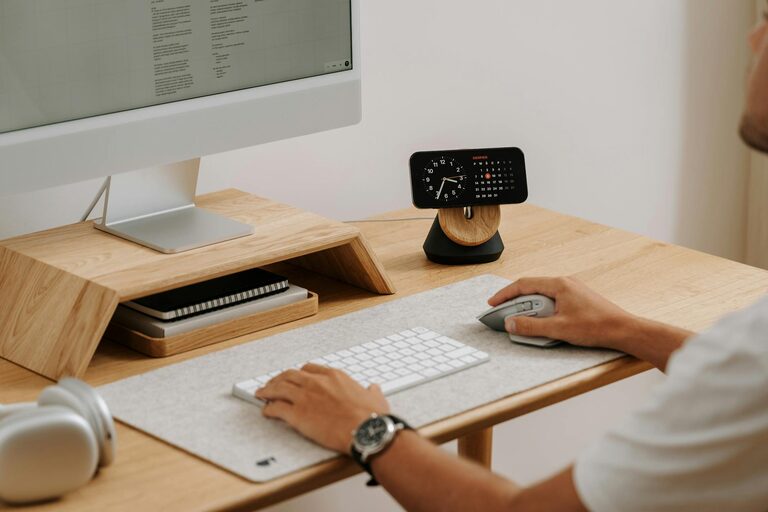
Pair your chair with a desk at the correct height so your arms can rest comfortably while typing or writing. A desk with enough surface area to hold your computer, notebooks, and any other necessary tools helps keep your workspace organized.
Keep Your Workspace Organized
Clutter can negatively impact focus and productivity. Use shelves, drawers, and organizers to keep supplies and documents neatly stored. Tidying your desk at the end of each day can also help you start the next day fresh.
Consider cable management solutions to prevent cords from tangling and creating a mess. Keeping your home office clean and orderly will reduce stress and make it easier to find what you need.
Personalize Your Space
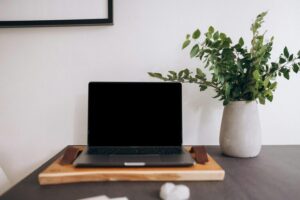
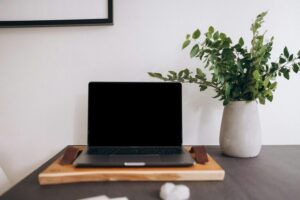
Adding personal touches can make your home office more inviting and comfortable. Decorate with plants, artwork, or items that inspire you. Plants not only look nice but can also improve air quality and reduce stress.
Be mindful not to overcrowd your space. A few meaningful decorations are enough to create a welcoming environment without causing distractions.
Use Technology to Stay Connected and Efficient
Equip your home office with reliable technology. A fast internet connection is essential for video calls, cloud access, and smooth workflow. Invest in a good quality webcam and microphone if you frequently participate in virtual meetings.
Organize your digital files systematically and use productivity tools or apps to manage tasks and deadlines. Technology should support your work, not overwhelm you, so find what works best for your needs.
Maintain a Good Routine and Breaks
Even the best-designed office won’t guarantee productivity if you don’t maintain a healthy routine. Set regular work hours to establish boundaries between work and personal time.
Incorporate breaks throughout your day to stretch, rest your eyes, and recharge. Short breaks improve concentration and help prevent burnout, making your workday more sustainable.
Control Noise and Minimize Distractions
Noise can be a significant distraction while working from home. If external sounds disturb you, consider noise-cancelling headphones or a white noise machine to help you concentrate.
Let household members know your work schedule to minimize interruptions. Clear communication about your availability can create a supportive environment for focused work.
Optimize Air Quality and Temperature
A comfortable temperature and good air quality contribute to your overall comfort and focus. Ensure proper ventilation in your home office, and use a fan or heater to maintain a stable temperature.
Indoor plants or an air purifier can help improve air quality, especially if you spend long hours working inside.
—
Designing a comfortable and productive home office doesn’t require a large budget or space—attention to detail and thoughtful choices make the biggest difference. By implementing these tips, you can create a workspace that helps you stay focused, feel comfortable, and enjoy your work-from-home experience.