
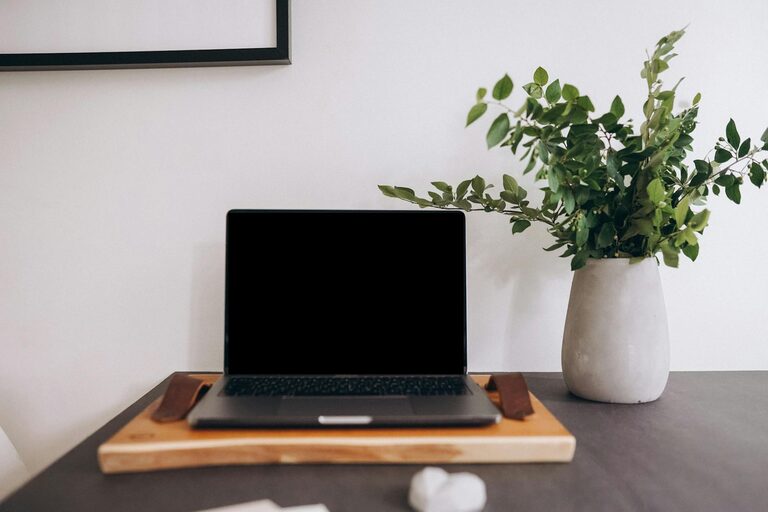
Creating a productive home office space is essential for anyone working remotely or managing tasks from home. A well-designed workspace can improve focus, reduce distractions, and boost your overall efficiency. Whether you have a dedicated room or a small corner, these tips will help you set up an environment that supports productivity and comfort.
Choose the Right Location
The first step in creating a productive home office is selecting an ideal location. Consider the following factors:
– Quiet space: Pick an area with minimal noise and foot traffic to avoid interruptions.
– Natural light: Position your desk near a window if possible. Natural light can improve mood and energy levels.
– Separate from distractions: Avoid spaces near the television or high-traffic rooms, like the kitchen or living room.
If space is limited, use room dividers or screens to create a visual boundary between your work zone and the rest of your home.
Invest in Comfortable and Functional Furniture
Your office furniture plays a crucial role in productivity. Here’s what to consider:
– Ergonomic chair: Choose a chair that supports good posture with adjustable height and lumbar support.
– Desk size: Pick a desk that fits your needs, providing enough space for your computer, notebook, and any essential tools.
– Adjustability: Consider a sit-stand desk or add accessories like monitor stands and keyboard trays to customize your setup.
A comfortable setup helps prevent fatigue and discomfort during long work sessions.
Organize and Declutter Your Workspace
A tidy workspace can improve focus and reduce stress. Follow these organization tips:
– Use storage solutions: Incorporate shelves, drawers, or filing cabinets to keep documents and supplies organized.
– Limit desktop items: Keep only essential items on your desk to reduce visual clutter.
– Cable management: Use clips or cable boxes to keep cords neat and out of the way.
Set aside a few minutes each day to tidy your desk and maintain an organized workspace.
Optimize Lighting
Lighting affects both your eyes and your mood. Consider these tips for effective lighting:
– Combine natural and artificial light: Use a mix of daylight and task lighting for balance.
– Avoid glare: Position your monitor to prevent glare from windows or overhead lights.
– Use adjustable lamps: Desk lamps with adjustable brightness and direction provide flexibility for different tasks.
Good lighting prevents eye strain and keeps you alert throughout the day.
Minimize Distractions
Creating a focused work environment involves controlling distractions:
– Use noise-canceling headphones: These can help block household noise or distractive sounds.
– Set boundaries: Communicate your work hours to family or roommates to minimize interruptions.
– Turn off non-work notifications: Silence social media and personal phone notifications while working.
Consider apps or tools that help maintain focus, such as timers or website blockers.
Personalize Your Workspace
Adding personal touches can make your home office more inviting and motivating:
– Add plants: Indoor plants improve air quality and add a calming effect.
– Incorporate inspiring decor: Use artwork, photos, or motivational quotes that uplift your mood.
– Choose calming colors: Soft and neutral tones can create a soothing environment.
Personalization helps create a space where you feel comfortable and inspired.
Maintain Healthy Habits
A productive workspace supports not only work but also your health:
– Take regular breaks: Follow the Pomodoro Technique or take short stretch breaks every hour.
– Stay hydrated: Keep a water bottle nearby and drink regularly.
– Move around: Incorporate movement into your day to reduce stiffness and boost energy.
Design your schedule around maintaining a healthy balance between work and rest.
Keep Technology Updated and Reliable
Reliable technology reduces frustration and downtime:
– Upgrade your internet: Fast and stable internet is crucial for virtual meetings and online work.
– Maintain your devices: Keep software updated and backup important files regularly.
– Use ergonomic peripherals: Consider wireless keyboards and mice to reduce strain.
Investing in reliable technology ensures smooth workflow and fewer distractions.
Conclusion
A productive home office space is achievable with thoughtful planning and a few key adjustments. Prioritize comfort, organization, and focus to create an environment that supports your work goals. Remember that your workspace should evolve as your needs change, so revisit and tweak your setup periodically. With these tips, you’re on your way to making your home office a place where productivity thrives.